USB, MIDI and Audio Connections on Digital Pianos
USB-MIDI, USB audio, Bluetooth and line outputs on a digital piano: what each connection does and what to check before you plan your setup.

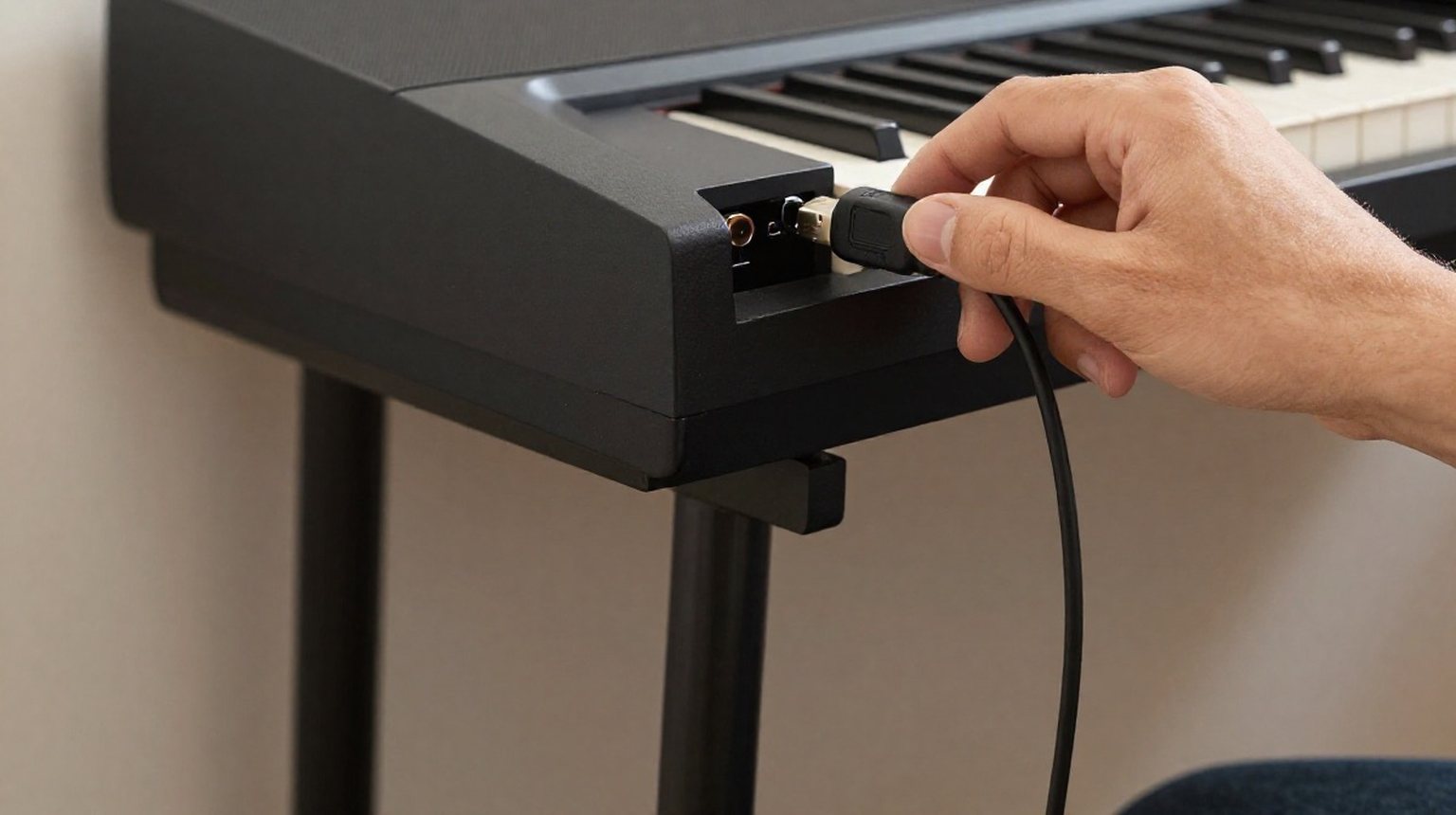
USB-MIDI sends what you play to a computer, tablet or app: which key, how hard, and the pedal. It does not carry the piano sound itself. To record the real sound you need an audio output, or a piano that also works as a USB audio interface, such as the Yamaha P-145BT. Before buying, check three things: the USB port, whether MIDI also runs over Bluetooth, and whether there is a line or AUX out.
Affiliate disclosureAs an Amazon Associate we earn from qualifying purchases made through links on this page. Commissions never change our ratings.
MIDI is data, not sound
The MIDI Association puts it in one line: MIDI is not audio. A MIDI message says which note, how long, how loud, which instrument, a bit like sheet music. The app on the other end turns those instructions into sound, or into a score, or into the falling notes of a learning app.
That is why a cheap piano can drive an expensive piano plug-in on a laptop, and why "it sounds bad over MIDI" usually points at the app, not the cable. It also means USB-MIDI alone will not give you a recording of the piano’s own speakers or samples.
USB to Host: one cable to a computer
Most pianos in our rankings have a square USB Type B port, labelled USB TO HOST on Yamahas or USB COMPUTER on the Roland FP-10. It follows the USB-MIDI device class, a shared standard under which the MIDI data travels unchanged, so the same cable works with music software and learning apps.
- Computer: a USB-A or USB-C to USB-B cable.
- Tablet or phone: the same cable plus the adapter for your device’s port.
- Old 5-pin MIDI gear: look for MIDI IN/OUT sockets. The Yamaha P-45 has none, per its spec sheet, only USB TO HOST.
A second USB port of Type A, like on the Casio PX-S1100, is for a USB flash drive, not for a computer.
Bluetooth MIDI and Bluetooth audio are two features
Bluetooth MIDI (BLE-MIDI) is the wireless version of the USB-MIDI cable: same data, and the MIDI Association’s spec works across iOS, macOS, Windows and Android. Roland lists Bluetooth MIDI on the FP-10, with a footnote that the Bluetooth feature may not be included in every country.
Bluetooth audio is a speaker feature: the piano receives music from your phone and plays it through its speakers, which is what Yamaha describes for the P-145BT. It is handy for playing along with a song, but it sends nothing to an app.
The Casio PX-S1100 comes with a wireless MIDI and audio adaptor in the box, per its user’s guide, so it does both. When a listing just says "Bluetooth", find out which of the two it means before you count on it.
Recording the real sound
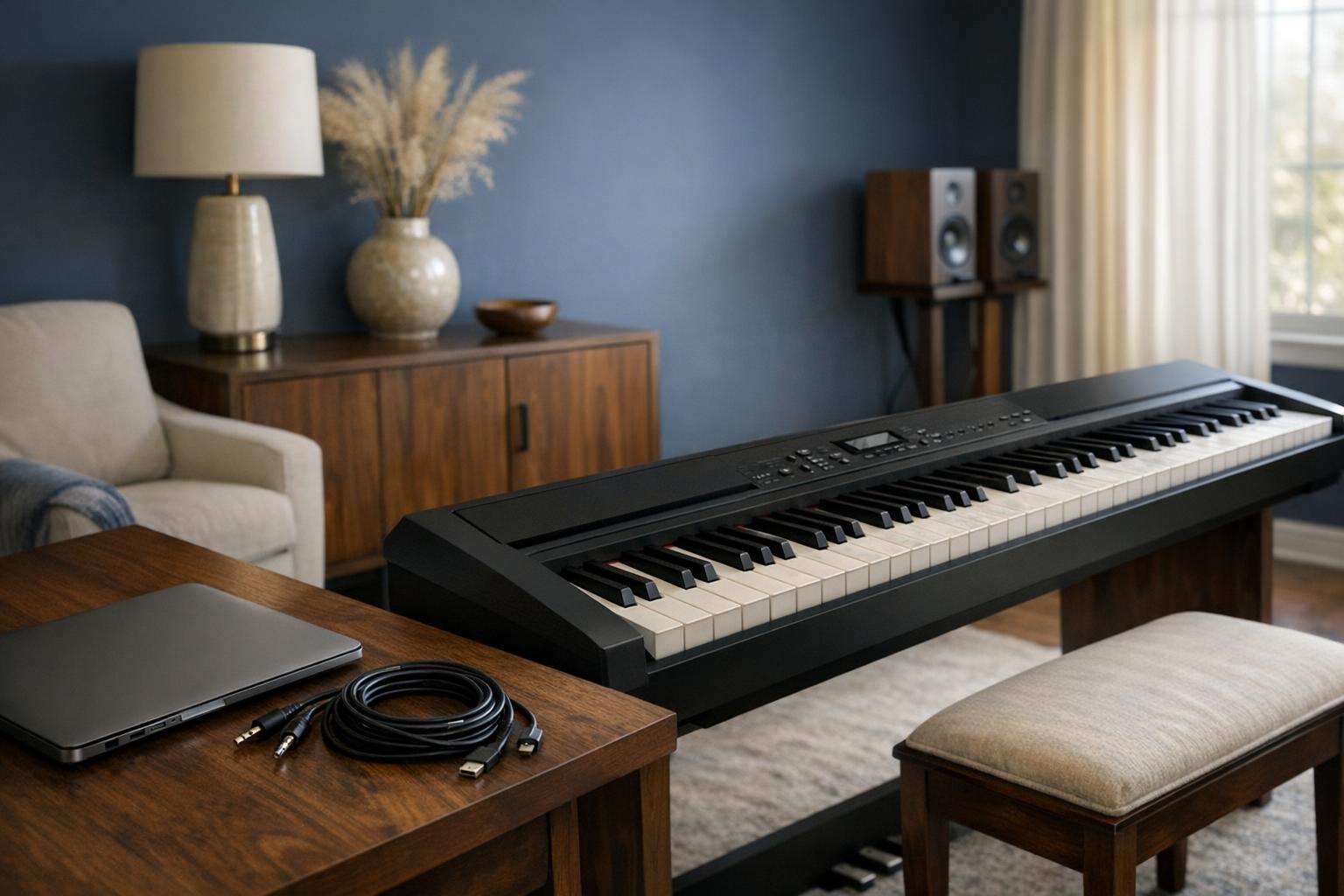
If you want to post a video with the piano’s own sound, you need audio, not MIDI. Three routes, from the maker specs:
| Piano | Audio out | Bluetooth |
|---|---|---|
| Yamaha P-45 | Headphone jack only, no AUX OUT | No |
| Yamaha P-145BT | USB audio, 44.1 kHz/16 bit | Audio in |
| Yamaha P-225 | AUX OUT + USB audio 24 bit | Audio in |
| Roland FP-10 | Phones jack doubles as output | MIDI (varies by country) |
| Casio PX-S1100 | LINE OUT jacks | MIDI + audio adaptor |
| Alesis Recital Pro | Stereo 1/4 inch outputs | No |
A USB audio interface built into the piano, as on the P-145BT, sends the sound over the same USB cable, which is the simplest setup for a phone video. Otherwise a cable from the output to an audio interface or camera does the job.
Which of our rated pianos fits your setup
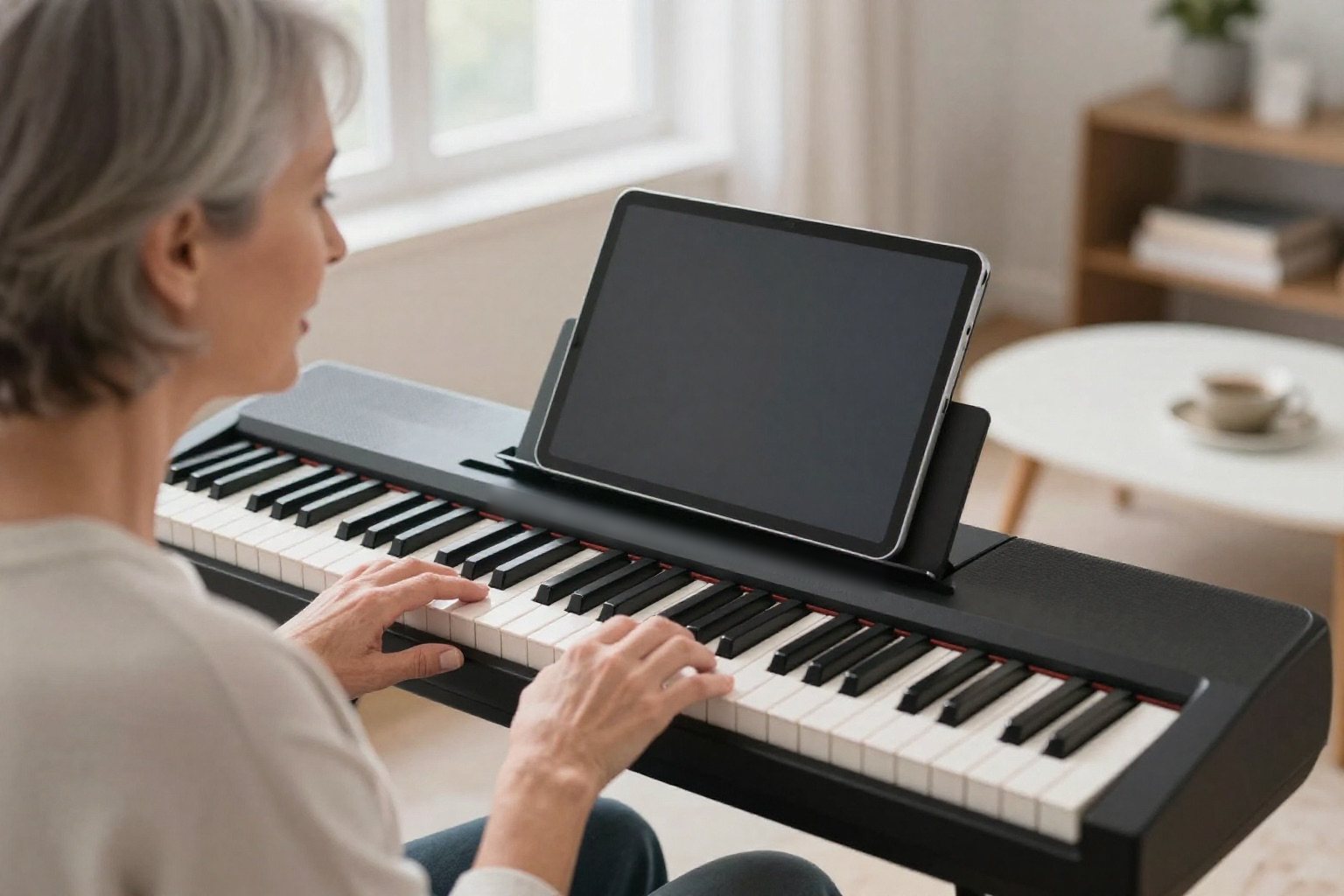
For lessons with an app on a tablet, any piano with USB-MIDI works: the Yamaha P71 (9.2/10) and Yamaha P45 (8.8/10) both have USB TO HOST. If you would rather skip the cable, the Roland FP-10 (7.9/10) lists Bluetooth MIDI, and the Casio PX-S1100, Gloss Red (7.5/10) ships with its wireless adaptor. To record or stream the piano sound itself, the Yamaha P145BT (7.6/10) with its USB audio is the easy pick from the Yamahas we rate.
More options are in our portable digital pianos ranking. And if the reason for the app is quiet practice, our headphone guide is the next read.
Our rated picks
The three best-rated models of our best digital pianos ranking, from buyer reviews and the listed specs.


Product images: Amazon listings
Frequently asked questions
What is USB MIDI on a digital piano?
A USB port that sends your playing as MIDI data (notes, velocity, pedal) to a computer or tablet app. It does not send the piano’s audio.
Can I record piano sound through USB MIDI?
No, MIDI is data. To record the sound, use the piano’s audio output or a model with a USB audio interface, like the Yamaha P-145BT.
Do I need a MIDI cable for a digital piano?
Usually not. A USB cable from the piano’s USB to Host port to the computer carries MIDI. 5-pin MIDI cables are only for older gear with MIDI sockets.
Is Bluetooth MIDI the same as Bluetooth audio?
No. Bluetooth MIDI sends playing data to an app; Bluetooth audio plays music from your phone through the piano’s speakers.
Sources
- The MIDI Association — About MIDI, part 1: overview (consulted Nov 2026)
- USB Implementers Forum — Device Class Definition for MIDI Devices, release 1.0 (PDF) (consulted Nov 2026)
- The MIDI Association — MIDI over Bluetooth Low Energy (BLE-MIDI) (consulted Nov 2026)
- Yamaha — P-45 specifications (consulted Nov 2026)
- Yamaha — P-145BT specifications (P Series comparison table) (consulted Nov 2026)
- Yamaha — P-145BT overview (consulted Nov 2026)
- Roland — FP-10 digital piano (features and specifications) (consulted Nov 2026)
- Casio — PX-S1100 user’s guide (PDF) (consulted Nov 2026)
- Alesis — Recital Pro (consulted Nov 2026)
Products mentioned
- Roland FP-30X 88-Note, Black (exact listing), read our review